
Choose PDF and InDesign pages from thumbnails. Switch all selected placements together.
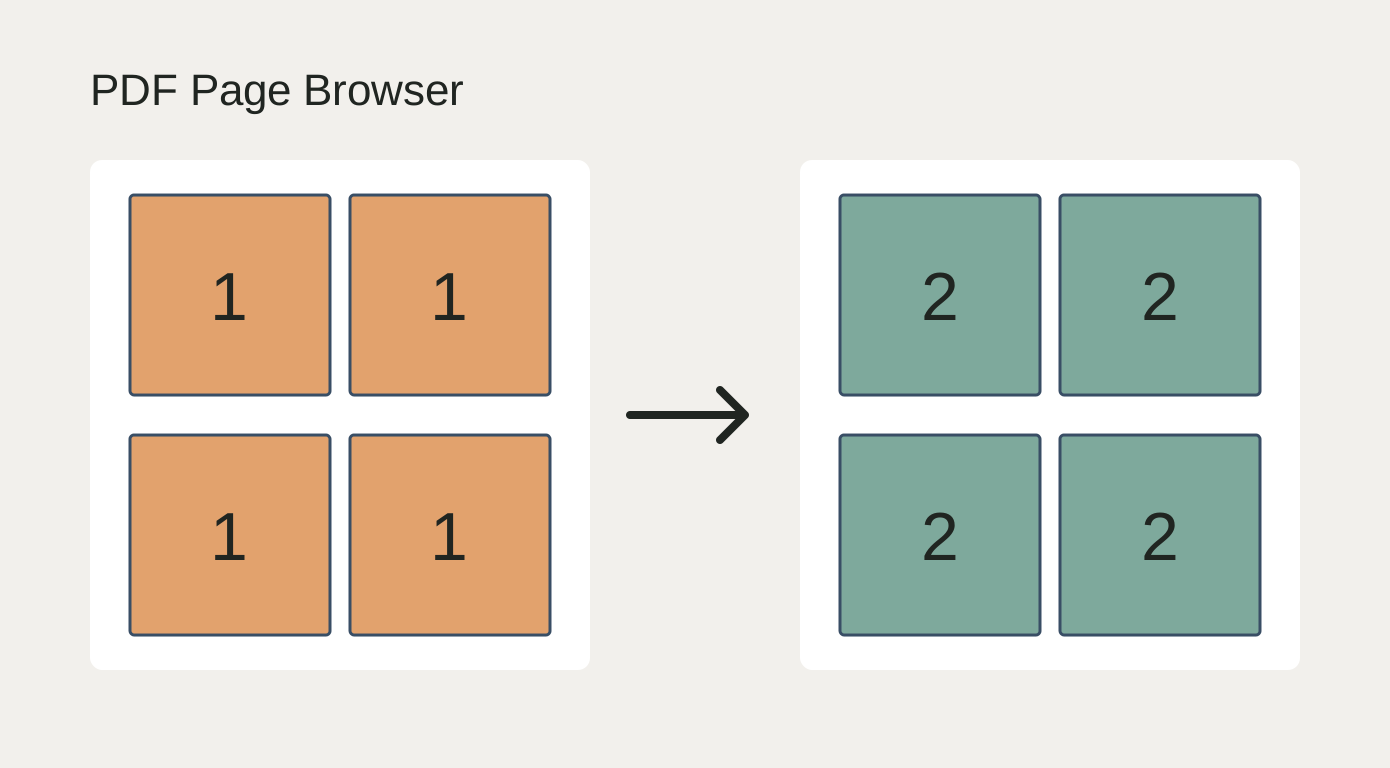
For repeated artwork on print sheets: select frames linked to the same source and switch from front to back with one click. Thumbnails remain visible in the floating palette. Only selected placements change. The interface follows the InDesign application language: German for German InDesign, English otherwise.
What it does
- Six thumbnails in the palette; choose pages by click, number or Previous/Next.
- Frame geometry, content scale and individual import settings are preserved by default.
- Change PDF crop and background transparency or INDD crop settings.
- Optionally fit frames to imported page dimensions without rescaling the artwork.
- One Undo step for the batch; unavailable pages roll the change back.
How to use it
- Select one or more linked PDF/INDD frames from the same source file directly.
- Run PDFPageBrowser.jsx. Click a thumbnail or use Next page to advance all selected placements.
- If needed, open Import settings and enable Fit frame to imported page. Inspect the layout.
Installation
In InDesign, open Window → Utilities → Scripts. Right-click User → Reveal in Finder / Explorer. Copy the JSX file into that folder, then double-click it in the Scripts panel. Adobe InDesign is required and is not included. The interface follows the InDesign application language: German for German InDesign, English otherwise.
Before you start
Version 1.5.2, validated in InDesign 2026 on macOS. Windows and other InDesign versions are unverified. One linked source per selection; relink embedded PDFs first. Does not impose or duplicate print sheets. PDF layer visibility cannot be configured.
Try it on a copy of your document first.